
Kaptiono documentation
Everything you need to generate, correct, time, style and export AI subtitles with Kaptiono. This documentation reflects the current v1.0.3 production workflow.
Try a different term or browse the topic menu.
What Kaptiono does
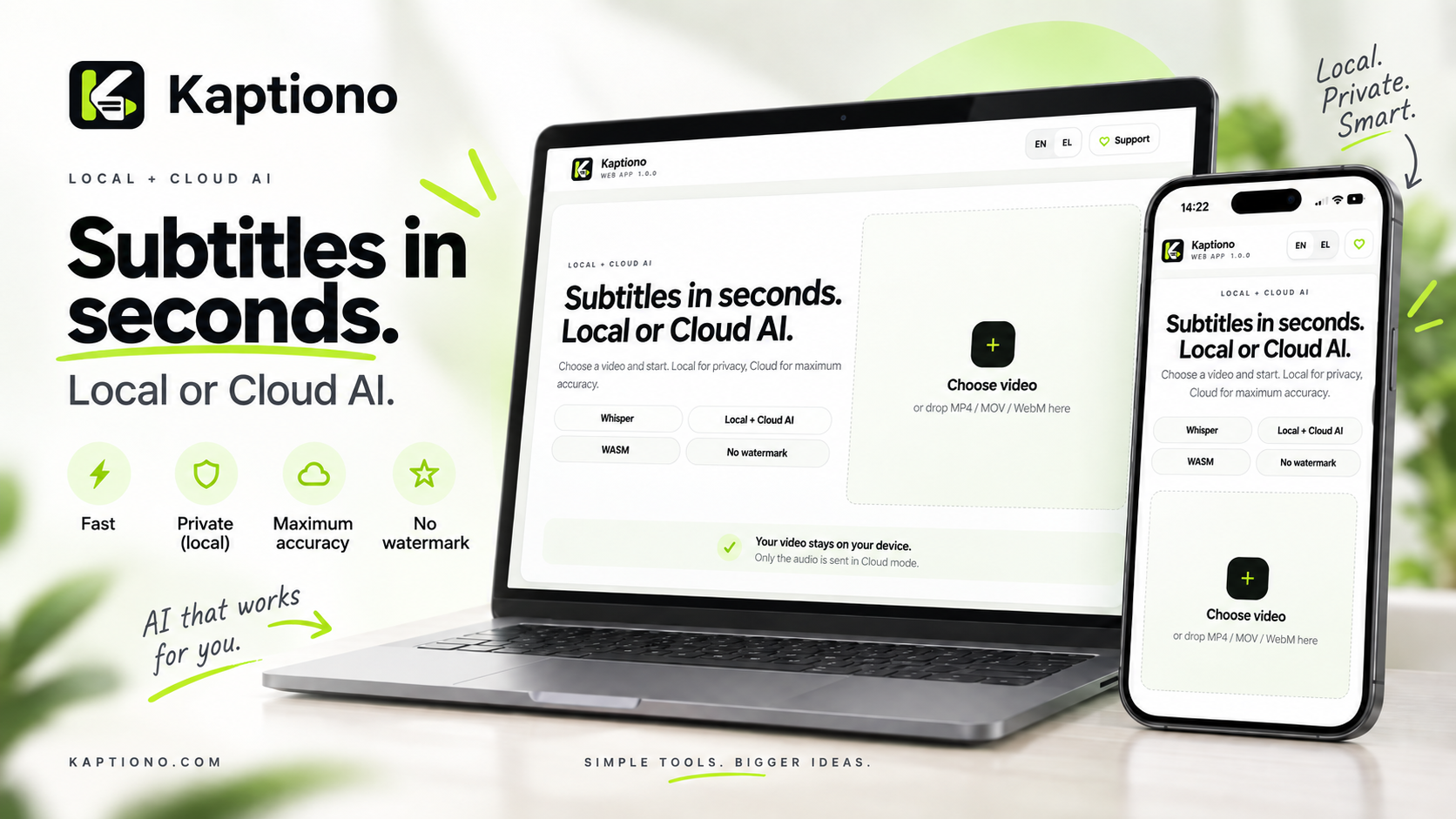
Kaptiono is a browser-based AI subtitle generator and caption editor built for creators. You can open a video from your device, transcribe speech with Local Whisper or optional Cloud High Accuracy, correct the text and timing, style the captions, and export the result without adding a watermark.
The original video remains on your device. Local Whisper keeps transcription audio local too.
Choose local processing for privacy and offline-friendly workflows, or Cloud High Accuracy when maximum transcription quality matters.
Edit text, timing, typography, color, position, animation, box, outline and other presentation controls.
Download SRT, TXT, or a locally rendered video with burned-in captions.
Quick start
Open MP4, MOV, M4V or WebM from your device. The file is used directly by the browser.
Whisper Small is the recommended Local model. You can also select Base, Tiny, or Cloud High Accuracy. Explicit language selection often improves short clips.
Kaptiono extracts audio, runs transcription, then creates caption groups and word timing for the editor.
Edit spelling directly in the caption list. Change Start/End time or use the timeline when a subtitle does not align perfectly.
Use Caption Studio for the visual design, then download SRT, TXT, Social Compatible MP4 or Fast Export when supported by your browser.
Since v1.0.2, edited caption text is synchronized back into the working transcript. In v1.0.3, manual timing changes are protected as well, so later design reflow does not silently restore the original Whisper text or timing.
Local AI vs Cloud High Accuracy
| Mode | Processing | Privacy | Best for |
|---|---|---|---|
| Local AI | Whisper runs in the browser with WASM. | Video and transcription audio stay on-device. | Privacy, repeat use, no cloud dependency. |
| Cloud High Accuracy | Extracted audio is sent to the Kaptiono Cloud transcription endpoint using Whisper Large v3 Turbo. | The original video is not uploaded. Only the audio required for transcription is sent. | Maximum transcription accuracy when Cloud capacity is available. |
Cloud High Accuracy depends on internet access and available compute quota. If the Cloud option becomes unavailable, Kaptiono can return to a Local model instead of blocking the core workflow.
Models and speech language
First Local run
Local models are downloaded by the browser before first use and can be cached for later sessions. Kaptiono shows the model size before the download and can offer a smaller Local model or Cloud when appropriate.
Language selection
Use Auto Detect for mixed or unknown speech. For short clips, explicitly choosing the spoken language can materially improve recognition. The UI language and speech language are separate settings.
Long videos and slower computers
Since v1.0.1, Local transcription is processed in roughly 30-second chunks and reports progress between chunks. The old fixed 90-second cutoff was removed, so slower hardware can continue working instead of being terminated while Whisper is still processing.
Edit generated text safely
Every generated caption appears in the Text panel. Click into the caption text and type the correction directly. Kaptiono recalculates the word timing for that edited caption while keeping the caption's overall time range.
Controls such as caption width, maximum words, maximum lines and pacing may reflow caption groups. Kaptiono v1.0.2+ first synchronizes your edits into the working source so those corrections are not lost.
Fix subtitle timing
v1.0.3 adds two ways to correct timing: precise Start/End fields in each caption row and a draggable caption timeline under the video.
Start / End fields
Edit a caption with a value such as 0:03.250. Press Enter or leave the field to commit the change. Invalid values are rejected and the previous valid timing is restored.
Timeline controls
Manual timing changes are assigned a protected timing group. Later visual design reflow can reorganize ordinary captions, but it keeps manually timed captions anchored instead of silently undoing your work.
Design controls
The Design panel changes how captions look and flow. Most controls update the live preview immediately.
Font family, font size, letter spacing, scale, bold, italic and uppercase.
Text, active-word highlight, outline color/width, text opacity and background color.
Horizontal/vertical position, caption width, alignment and full rotation control.
Maximum words, maximum lines and Fast / Balanced / Relaxed caption pacing.
Caption animation, animation strength, fade timing and word-by-word highlight.
Shadow, background box opacity and box padding.
Controls that can reflow captions
Caption Width, Max Words, Max Lines and Caption Speed can change how words are grouped into caption blocks. Text corrections are synchronized first, and v1.0.3 also preserves manually adjusted timing groups.
Download the result
| Export | What you get | Notes |
|---|---|---|
| SRT | Subtitle file with timestamps and your edited caption text. | Good for editors, players and platforms that accept external captions. |
| TXT | Plain transcript. | Useful for copy, descriptions, notes and reuse. |
| Social Compatible | MP4 with H.264 video + AAC audio and burned-in captions. | Recommended for TikTok, Reels and Shorts when the browser supports the required codecs. |
| Fast Export | Browser-native MediaRecorder export, commonly WebM on Chromium. | Usually faster, but the exact format depends on browser support. |
Video rendering happens locally in the browser. Kaptiono uses a controlled MP4 pipeline for Social Compatible mode and browser MediaRecorder for Fast Export. On Safari/iPhone, audio decoding can fall back to the bundled LibAV/FFmpeg WASM runtime when native decoding is insufficient.
The Kaptiono core workflow does not add a Kaptiono watermark to caption video exports.
PWA, storage and privacy
Install Kaptiono
On Chromium browsers, Kaptiono uses the browser's install prompt when the PWA is installable. On iPhone/iPad, use Safari's Share menu and choose Add to Home Screen. The app tracks successful installation locally so it does not repeatedly ask an installed user.
Updates
The service worker checks for a waiting version and presents an in-app update flow instead of forcing a reload while you are working.
Data handling
- The original video stays on your device.
- Local Whisper keeps the extracted audio on-device.
- Cloud High Accuracy sends only the extracted audio required for transcription.
- Caption editing and video rendering remain local.
- Optional analytics are controlled through the consent interface.
Common issues
Local transcription is slow
Use Whisper Base or Tiny on lower-power devices. Small offers better Local quality but needs more memory and compute. Long transcription can legitimately take several minutes on older systems; v1.0.1 no longer aborts simply because a Whisper chunk took longer than 90 seconds.
The browser struggles with a large model
Close memory-heavy tabs, retry with Base/Tiny, or use Cloud High Accuracy when available. Mobile Safari may have tighter memory limits than desktop browsers.
Cloud High Accuracy is unavailable
This can happen because of connectivity or Cloud quota. Continue with Small, Base or Tiny. The core caption workflow is designed to remain usable without Cloud mode.
Video export is unsupported
Try the other export mode. If Social Compatible cannot initialize, Fast Export may still be available. SRT and TXT remain useful fallbacks because they do not depend on video encoding support.
Timing looks wrong after transcription
Edit Start/End directly or use the v1.0.3 timeline. Overlaps are flagged so you can review the affected captions before export.
Architecture and repository
Kaptiono is a static browser application. The main UI and editing logic live in app.js, Local Whisper runs in whisper-worker.js, the service worker is sw.js, and video/audio handling uses Mediabunny plus a bundled LibAV/FFmpeg WASM fallback for specific Safari audio cases.
/ app.js
/ whisper-worker.js
/ sw.js
/docs/ public documentation + project docs
/docs/legal/ license and third-party compliance notes
/docs/releases/ release notes
Deployment is designed for GitHub Pages/custom-domain static hosting. See the repository's deployment and legal files for operational details. The first-party source is source-available under the project's license; third-party components retain their own licenses and notices.
Recent releases
| Version | Main change |
|---|---|
| v1.0.3 | Manual Start/End timing editor, draggable/resizable caption timeline, zoom, seek and overlap warnings. Timing edits persist through later design work. |
| v1.0.2 | Manual caption text corrections persist when design controls trigger caption reflow. |
| v1.0.1 | Chunked Local Whisper processing and adaptive watchdog for long transcription on slower devices. |
| v1.0.0 | Stable Local/Cloud caption workflow, Caption Studio, exports, PWA update flow and privacy-first production release. |
Detailed technical notes remain available in /docs/releases/ inside the repository.